Microsoft is investigating a Windows 11 issue affecting games including ARC Raiders, MARVEL Tōkon: Fighting Souls and THE FINALS after the August KB5121003 update. The common thread is unusually low-level software associated with some RGB-capable hardware, and affected players now have a temporary workaround while the investigation continues.
RGB lighting is usually the least serious part of a gaming PC.
With Windows 11’s August update, the software behind it suddenly matters a lot more.
Microsoft says some PCs running Windows 11 24H2 and 25H2 have been unable to run certain games properly after installing KB5121003, released on 11 August, or later updates. KB5121003 takes Windows 11 24H2 to OS build 26100.9168 and 25H2 to 26200.9168.
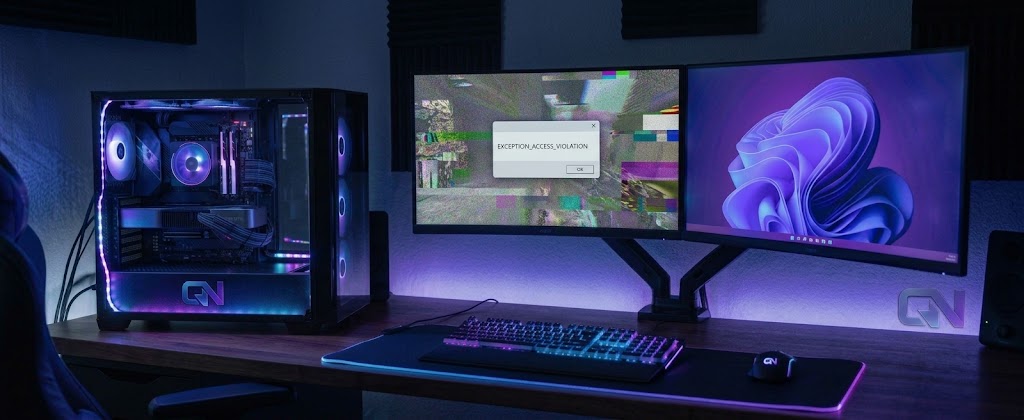
The reported failures range from games hanging or closing without warning to EXCEPTION_ACCESS_VIOLATION errors and, in some cases, the PC restarting unexpectedly.
Microsoft’s ongoing investigation points to an unusual common factor: some affected systems contain drivers or software installed by peripherals or internal PC components that support RGB lighting.
One name keeps appearing: inpoutx64.
The problem isn’t RGB lighting itself
It would be easy to describe this as RGB breaking Windows games, but that is not what Microsoft has established.
Its current support material says certain RGB-capable peripherals and internal components can install drivers or software with names similar to inpoutx64. On systems where those drivers are present, launching certain games can trigger the problem.
That makes the story stranger than a cosmetic lighting bug.
Software used to control PC hardware does not necessarily sit harmlessly on top of Windows. It can include drivers that interact with the operating system much more directly. Something bought for lighting control can therefore end up involved when a Windows security update collides with a game.
Microsoft has not yet explained the exact mechanism causing that interaction.
There is no evidence that simply having RGB fans, RAM or peripherals automatically puts a PC at risk, and Microsoft has not said every system containing inpoutx64 will fail.
ARC Raiders, MARVEL Tōkon and THE FINALS are the confirmed examples
Microsoft currently names three games in reports of the problem:
- ARC Raiders
- MARVEL Tōkon: Fighting Souls
- THE FINALS
Those are examples from Microsoft’s investigation rather than a claim that no other game can be affected.
Embark has provided first-party evidence of an inpoutx64.sys-related crash affecting THE FINALS after KB5121003.
Its support team said on 17 August that it was aware of the crash and was working towards a long-term fix. Embark also published its own workaround involving stopping and deleting the service and removing the driver file.
Embark has since gone further inside THE FINALS itself. Its 11.6.0 support notes say players may see a message at launch telling them that a driver needs to be uninstalled to play, again connecting the warning directly to KB5121003.
That developer workaround is separate from the newer temporary Microsoft guidance reported by BleepingComputer and should not be confused with it.
There is now a temporary workaround, but it changes a Windows driver setting
Microsoft’s KB still lists the wider gaming issue as under investigation.
BleepingComputer reported on 24 August that Microsoft has separately shared a temporary workaround which disables the inpoutx64 driver through the Windows Registry.
For an affected PC, the reported Microsoft guidance is to open Registry Editor and navigate to:
HKEY_LOCAL_MACHINE\SYSTEM\CurrentControlSet\Services\inpoutx64
The Start value is then changed to:
4
The PC must then be restarted.
This disables the driver rather than deleting its file.
It is still a change to a Windows driver setting. BleepingComputer advises backing up the Registry before making the edit, and unaffected players should not make the change pre-emptively.
Microsoft also warns, according to BleepingComputer, that disabling the driver can cause unintended behaviour involving RGB features on connected peripherals or internal components, or the software used to control them. Restoring the Registry value to its previous setting can re-enable the driver if needed.
For affected players, the workaround may therefore get the game running while temporarily disrupting some RGB functionality or its control software.
There is no permanent Microsoft fix yet
Microsoft still describes the issue as under investigation.
Its current guidance says it is working to understand the relationship between the RGB-related components and the games triggering the failures, with more information to come.
So if your games are working normally after KB5121003, there is no reason here to start changing driver settings.
If you are seeing the symptoms Microsoft describes and your system contains inpoutx64, the newly reported Registry workaround provides a temporary route that does not require following Embark’s separate file-removal procedure.
The bigger lesson is that RGB software is not always as superficial as the lights it controls.
A utility may exist so your RAM, motherboard or peripheral can glow the right colour, but the drivers underneath it can reach much deeper into the system. When Windows changes, those dependencies can suddenly matter to whether a game launches at all.
For now, Microsoft has narrowed the investigation enough to point towards that interaction.
It has not fixed it yet.